Epson EcoTank Pro ET-16650
Rating: ★★★★☆
Design and Build:
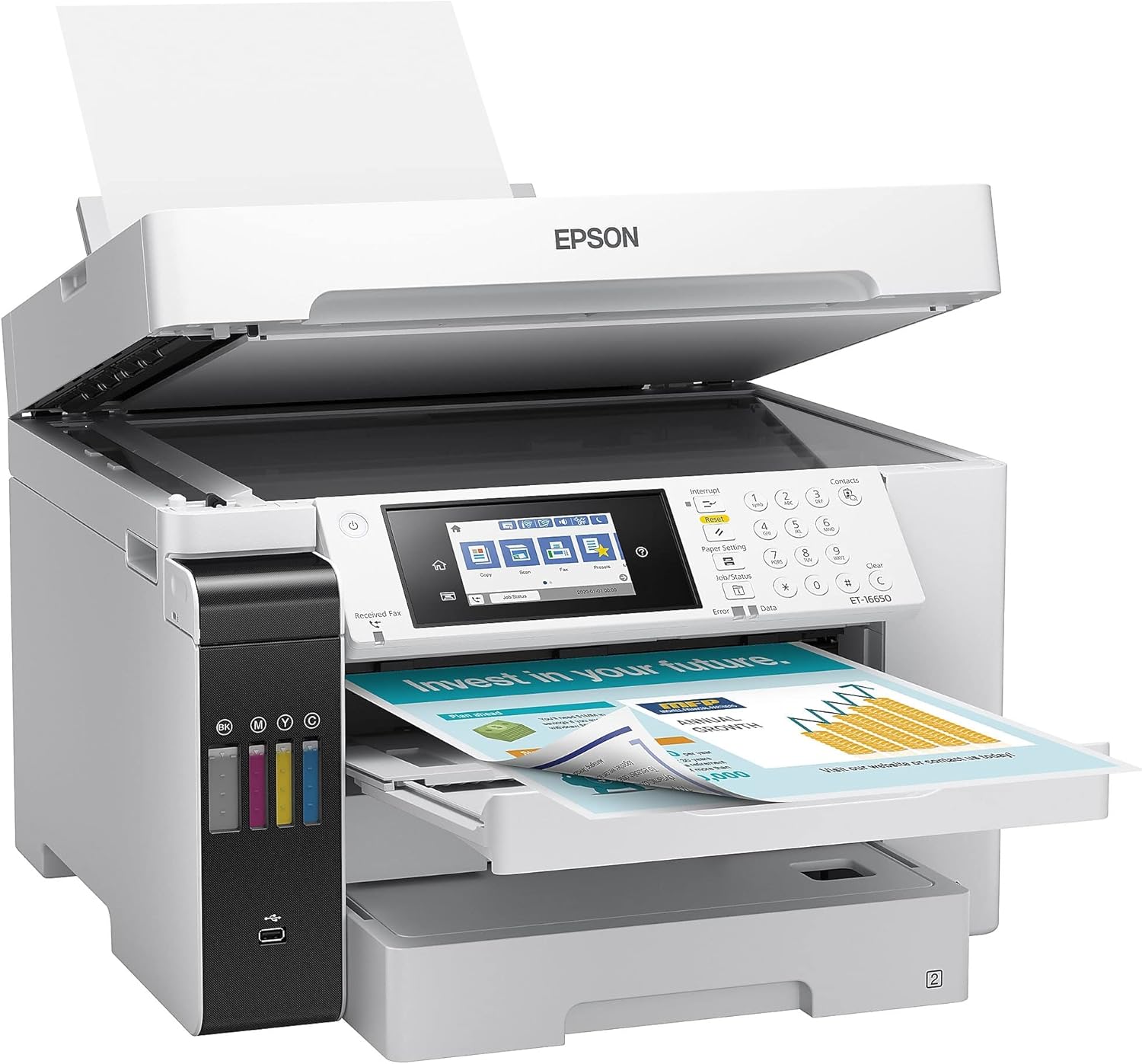
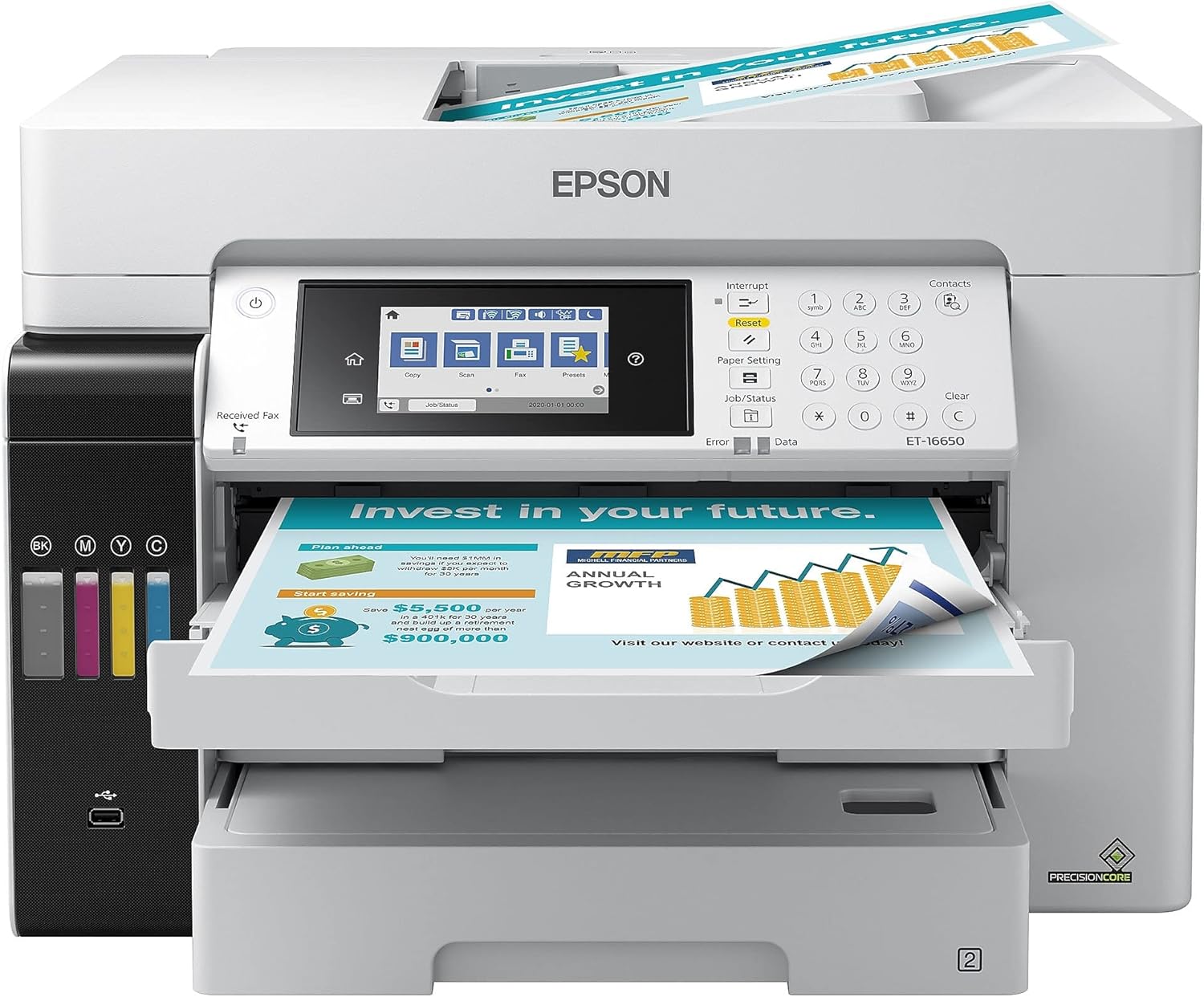
The Epson EcoTank Pro ET-16650 is designed for robust performance with a sleek and professional look. Its large, refillable ink tanks are the standout feature, allowing for high-capacity printing without the need for frequent cartridge replacements. The 4.3-inch color touchscreen ensures easy navigation, while its sturdy build quality guarantees durability even with heavy use.
Performance:
The ET-16650 excels in performance, with fast print speeds of up to 25 pages per minute. It’s capable of handling wide-format printing up to 13" x 19", making it ideal for businesses that require larger prints. The automatic document feeder and duplex printing features enhance productivity, allowing for efficient, double-sided prints and scans. It’s a multi-functional printer that can print, copy, scan, and fax, offering comprehensive office solutions.
Print Quality:
With PrecisionCore technology, the ET-16650 delivers exceptional print quality. It provides sharp text and vibrant, accurate colors, suitable for everything from professional reports to high-quality marketing materials. The high resolution of 4800 x 1200 dpi ensures detailed and precise printing, making it a versatile choice for various types of projects.
Connectivity and Features:
This printer offers a wide range of connectivity options, including Ethernet, USB, Wi-Fi, and mobile printing via Epson Connect, Apple AirPrint, and Google Cloud Print. The ET-16650 also supports NFC (Near Field Communication), making it easy to print directly from compatible mobile devices. These extensive connectivity options ensure that you can print from almost any device, enhancing overall convenience and workflow.
Cost Efficiency:
The EcoTank Pro ET-16650 is designed to be highly cost-efficient. Its refillable ink tanks can print thousands of pages before needing a refill, significantly reducing the cost per page compared to traditional cartridge-based printers. The printer’s low energy consumption and high-yield ink bottles make it an economical choice for businesses looking to save on operating costs without sacrificing performance.
User Experience:
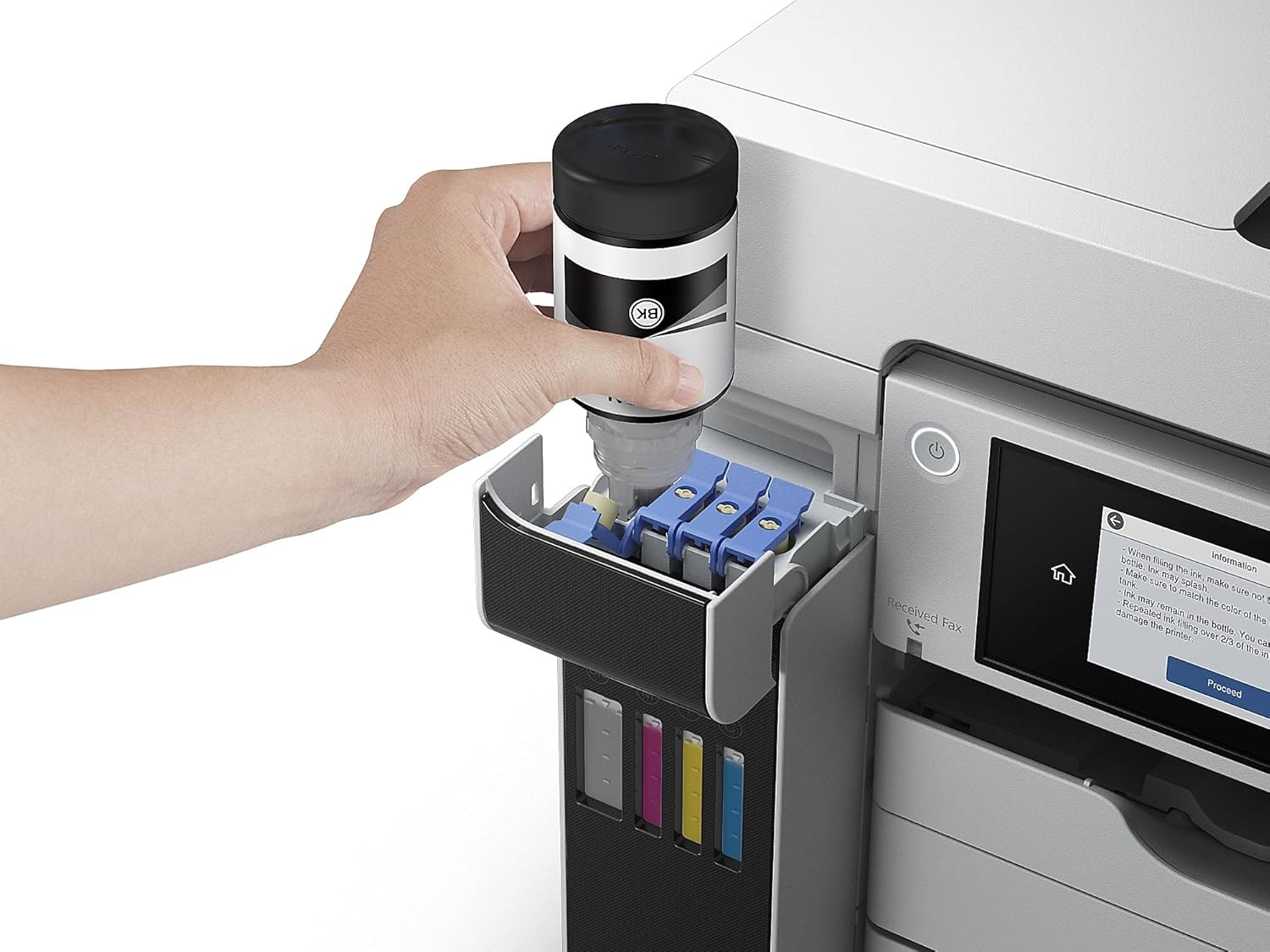
Setting up the ET-16650 is straightforward, and the large touchscreen interface simplifies navigation through its various features. Regular maintenance, like refilling ink tanks, is quick and mess-free, ensuring minimal downtime. Users will appreciate the reliability and ease of use, as well as the consistent, high-quality output the printer delivers.
How to Unbox and Install the Epson EcoTank Pro ET-16650
- Unboxing: Open the box and remove the power cord, setup manual, and the set of Epson ink bottles. Lift the printer carefully (it is a large wide-format model) and place it on a wide, stable desk. Remove all blue tape and protective plastic.
- Filling the Ink Tanks: This step is crucial and must be done before powering on. Open the ink tank cover. Unscrew the cap of the black ink bottle, align it with the black tank port, and let the ink drain completely (do not squeeze the bottle). Repeat this process for the Cyan, Magenta, and Yellow ink tanks. Close the tank cover.
- Power On and Initialization: Plug in the power cord and turn on the printer. Select your language on the touchscreen. The printer will prompt you to confirm the ink tanks are filled. Press OK to begin the ink charging process (this will take approximately 9 to 10 minutes). Do not turn off the printer during this time.
- Loading Paper: Pull out the paper cassettes, adjust the edge guides, and load your paper. Push the cassettes firmly back into place.
- Network and Software Setup: Go to the Wi-Fi setup on the touchscreen to connect to your network. Then, visit the official Epson website on your computer to download and install the Epson software package and drivers to finalize the setup.
Conclusion:
The Epson EcoTank Pro ET-16650 stands out as a premium choice for businesses that need efficient, high-capacity printing. Its combination of excellent print quality, robust features, and cost-saving refillable ink tanks makes it an ideal investment for offices with heavy printing demands. If you’re looking for a versatile, reliable, and economical wide-format printer, the ET-16650 is an excellent option.