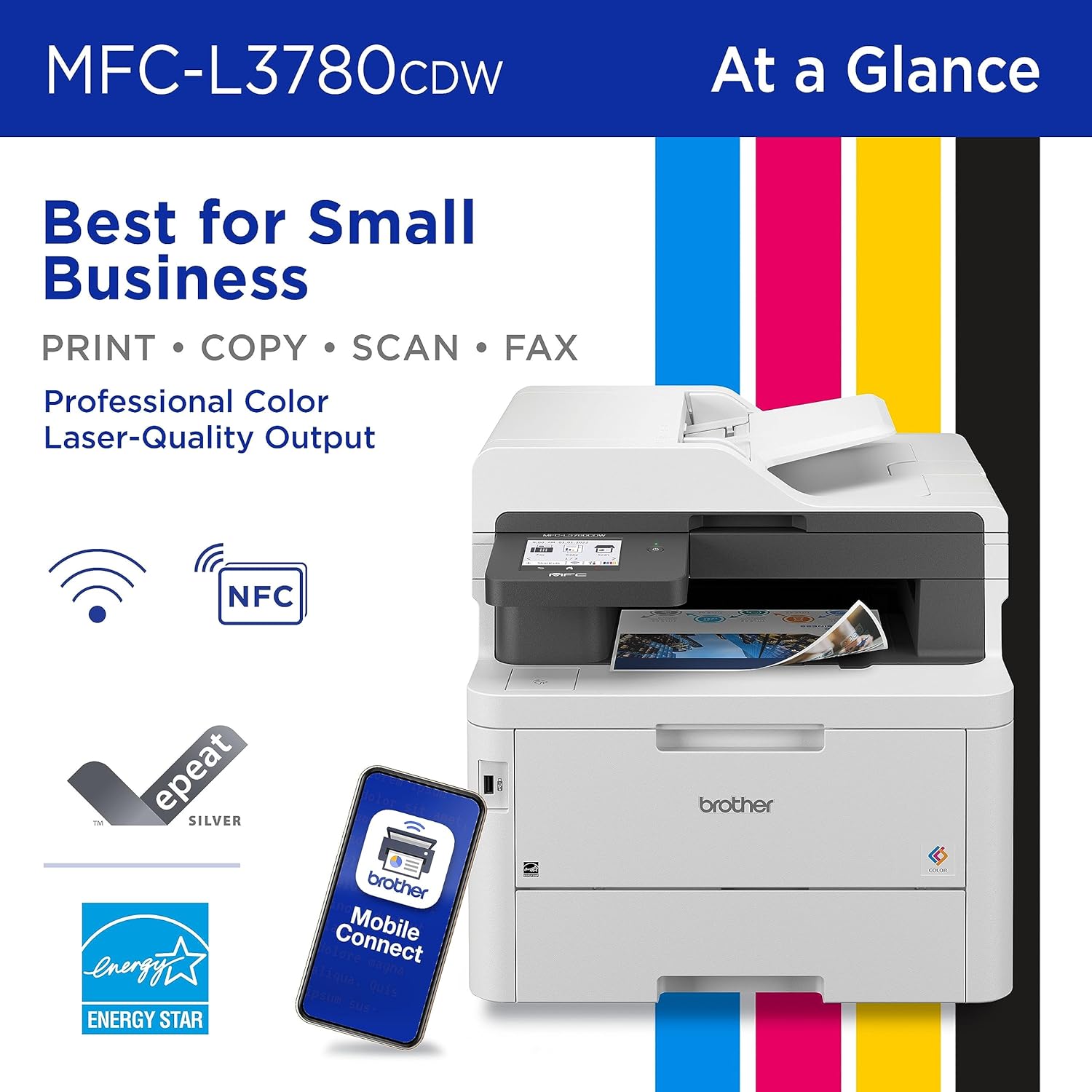
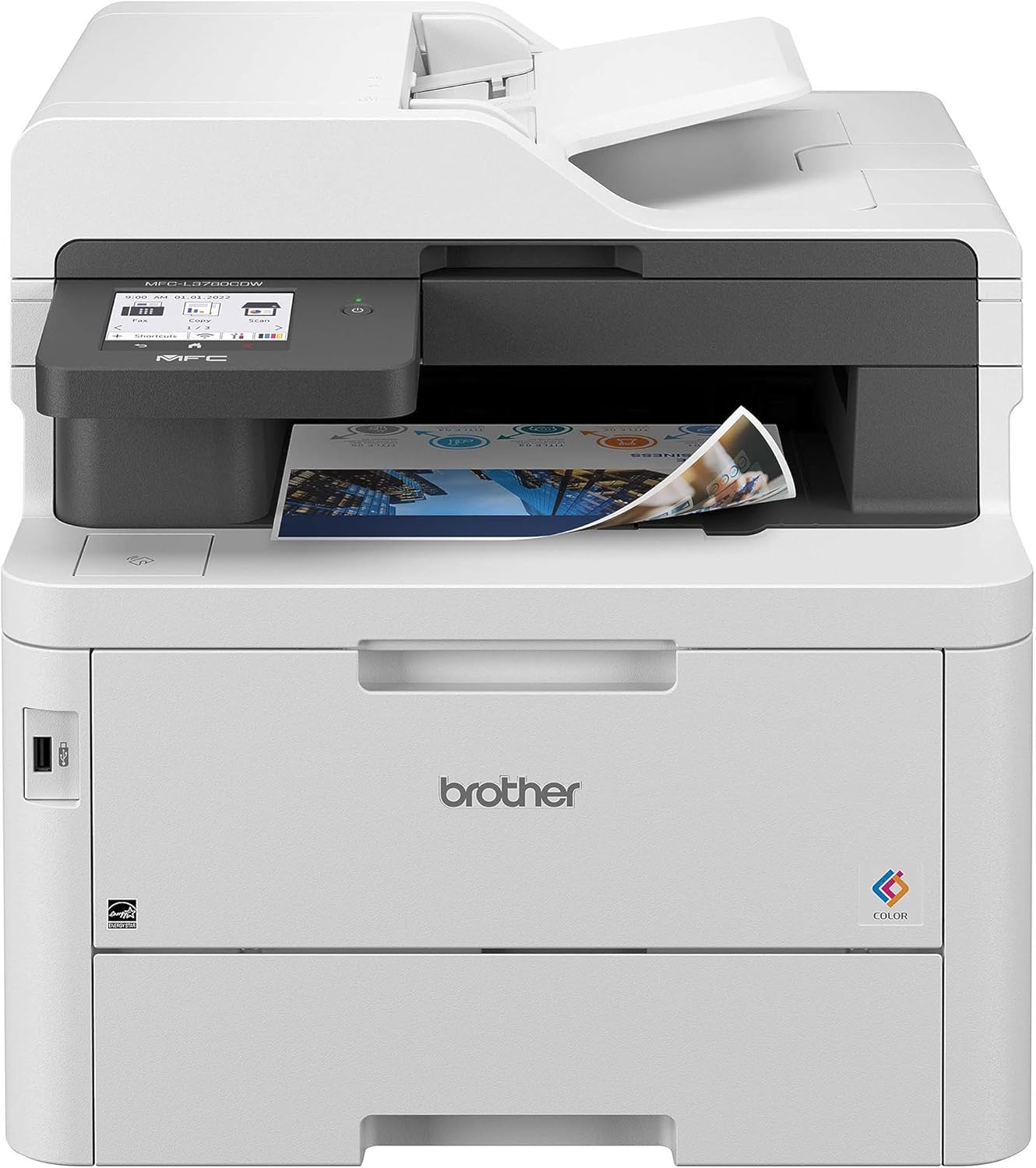
Brother MFC-L3780CDW
Rating: ★★★★☆
Design and Build:
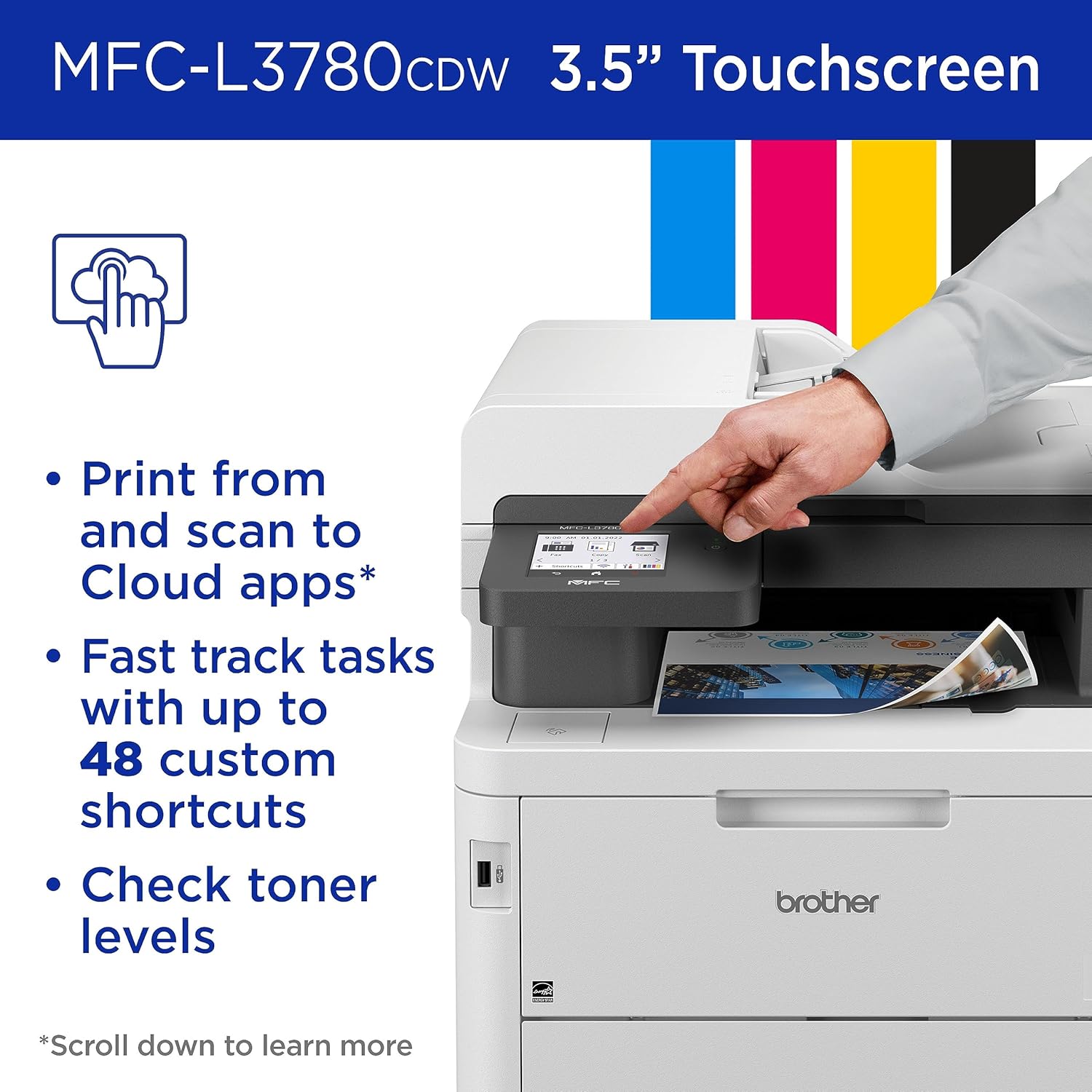
The Brother MFC-L3780CDW combines a sleek design with a solid build, perfect for small offices and home workspaces. Its compact size makes it easy to fit on a desk or small counter, while the 3.7-inch color touchscreen simplifies navigation across its multiple functions. The printer is designed for ease of use, with easily accessible trays and cartridges.
Performance:
With print speeds of up to 25 pages per minute, the MFC-L3780CDW is built to handle moderate printing volumes efficiently. It offers multi-functional capabilities, including printing, scanning, copying, and faxing, making it a versatile tool for diverse office needs. The automatic duplex printing feature saves time by enabling double-sided printing, and it handles various paper sizes, making it suitable for different tasks.
Print Quality:
The MFC-L3780CDW delivers high-quality prints, with sharp text and vibrant colors. Its 2400 dpi resolution ensures detailed and clear output, whether for documents, photos, or presentations. The consistent color accuracy makes it ideal for printing marketing materials, brochures, and other professional content that requires a polished appearance.
Connectivity and Features:
This printer supports a wide range of connectivity options, including Wi-Fi, Ethernet, USB, and mobile printing through Brother’s iPrint&Scan app, Apple AirPrint, and Google Cloud Print. The NFC (Near Field Communication) feature allows for easy printing from mobile devices. These connectivity options ensure that the MFC-L3780CDW integrates seamlessly into various office setups.
Cost Efficiency:
The Brother MFC-L3780CDW is designed with cost efficiency in mind. Its high-yield toner cartridges help keep running costs low, while the automatic duplex feature reduces paper consumption. It’s an excellent choice for users looking for an economical yet high-performance printing solution, suitable for frequent use without compromising quality.
User Experience:
Setting up the MFC-L3780CDW is straightforward, and the intuitive touchscreen interface makes it easy to access its functions. Regular maintenance, such as replacing toner and managing paper trays, is hassle-free, minimizing downtime. The printer’s consistent performance, reliable output, and user-friendly design contribute to a positive overall experience.
How to Unbox and Install the Brother MFC-L3780CDW
- Unboxing: Remove all accessories, manuals, and the power cord from the top of the box. Remove the printer from the packaging and set it securely on your desk. Take off all external packing tape and plastic.
- Preparing the Toner: Lift the scanner unit and open the top cover. Remove the toner cartridge and drum unit assemblies. Peel off the orange protective packaging from each color cartridge, gently slide them from side to side to distribute the toner evenly, and push them back firmly into their designated color slots. Close the cover.
- Loading Paper: Pull the paper tray completely out of the machine. Press and slide the paper guides to fit the paper size you are using. Fan the paper well, place it in the tray, and insert the tray back into the printer.
- Power On: Connect the power cord to the machine and plug it into a standard AC power outlet. Press the power button to turn it on.
- Initial Settings: Use the 3.7-inch touchscreen to configure initial settings, starting with the language, date, and time.
- Connecting to Wi-Fi: Navigate to the network settings on the touchscreen, select 'Setup Wizard' under the WLAN menu, choose your Wi-Fi network from the list, and enter your password.
- Finalizing Setup: Download the Brother Mobile Connect app on your smartphone, or go to the Brother support website on your PC to download the complete driver and software package. Follow the prompts to finish the connection.
Conclusion:
Overall, the Brother MFC-L3780CDW is a reliable and versatile color laser printer that offers strong performance and excellent print quality. Its multi-functional capabilities and robust connectivity options make it a great fit for small businesses and home offices. With cost-efficient operation and a sleek design, it stands out as a top choice for those seeking a dependable all-in-one solution.